
Two Years of Copilot+: You Were Sold Intelligence, You Bought Efficiency
NPUs are now standard plumbing in modern laptops. But the real value of the neural engine is not the "AI magic" Microsoft marketed: it is silence, efficiency, and battery life.
Two years ago, the "AI PC" arrived wrapped in acronyms and promises. A dedicated Neural Processing Unit (NPU), capable of at least 40 trillion operations per second (TOPS), was going to revolutionise how we used our computers.
Fast forward to June 2026 and the revolution looks nothing like the trailer. The Copilot+ sticker is no longer a premium novelty; it is the default plumbing inside almost every mid-to-high-end laptop on the shelf. Buy a Qualcomm Snapdragon X Elite or the newer X2 Elite, an Intel Panther Lake (Core Ultra Series 3) or last year's Lunar Lake (Series 2), or an AMD Strix Point (Ryzen AI 300), and you are carrying a neural engine whether you asked for one or not.
Which means the old question, "is the NPU a gimmick?", has quietly dissolved. Nobody really chooses a Copilot+ PC any more; it is simply what a laptop is now. So the more honest question for a two-year retrospective is this: what did the neural engine actually deliver? The short answer, and the argument of this piece: you were sold intelligence, and you bought efficiency. It is also, as we will see, an idea that shipped years before anyone printed a Copilot+ sticker.
The Efficiency Thesis
Before NPUs, a surprising amount of everyday computing was quietly punishing your hardware. Noise suppression on a Teams call, the blurred background on your webcam, live captions, real-time translation: all of it ran on the CPU or GPU. None of it is glamorous, but it is constant, and constant work on a general-purpose processor means fans spinning up, a warm lap, and a battery that drains by half over a two-hour meeting.
The NPU's entire reason to exist is to take that work away. It is a chip built for one narrow job, the matrix multiplication that underpins neural networks, and it does that job at a fraction of the wattage a CPU or GPU would burn doing the same sums. Move the always-on, low-intensity intelligence onto it, and the rest of the system is freed to either do real work or simply idle cool and quiet.
This is the part the marketing never put on the box, because "your fans will be quieter" does not sell the way "AI-powered everything" does. But it is the genuine shift. The value of the neural engine is not some new magical capability you could not have before. Most of what the NPU does, a CPU or GPU could already do; it just did it loudly, hotly, and at the expense of your battery.
So the killer feature of the AI PC is not intelligence. It is efficiency. Everything worth celebrating about the last two years of Copilot+ follows from that single fact: the same tasks, done silently, coolly, and for a fraction of the power. The rest of this article is the evidence.
Evidence A: The NPU's Clearest Win, Auto SR
The clearest win, because it is the one you can measure on a frame counter, is Automatic Super Resolution (Auto SR).
Unlike NVIDIA DLSS, AMD FSR, or Intel XeSS, which need developers to bake support into each game, Auto SR is built into Windows itself. It hooks into DirectX 11 and DirectX 12 titles and upscales them on the fly, no patch required. The division of labour is the whole point: the GPU renders the game at a lower base resolution, say 720p, which lifts the frame rate by cutting the shader workload, while the NPU runs a convolutional neural network that reconstructs the output back up to 1080p or 1440p. Crucially, the upscaling maths lands on the NPU rather than stealing GPU frame time, so you get the clarity back without paying for it in rendering power or battery.
One important caveat the marketing glosses over: Auto SR is not universal. It is exclusive to Qualcomm Snapdragon X-series Copilot+ PCs. It does not run on Intel or AMD integrated graphics, with one narrow exception. That single exception arrived in April 2026, when Microsoft brought an Auto SR preview to the ROG Xbox Ally X and its Ryzen Z2 Extreme, the first x86 device to get it, and even that currently has to be plugged in to work.
Within those limits, though, Auto SR is the thesis in miniature: the NPU doing the heavy arithmetic so the GPU does not have to, and your battery lasting longer for it.
Evidence B: Recall, the Efficiency Angle
Windows Recall had the rockiest launch of anything in the Copilot+ era. Unveiled in 2024, it was pulled after security researchers found it storing screenshots of your activity in plain, unencrypted text that any passing malware could read. It took Microsoft the better part of a year to rebuild it, finally returning as an opt-in preview in April 2025.
The rebuilt version is genuinely more careful. Snapshots and their OCR databases live inside a hardware-isolated Virtualization-based Security (VBS) enclave that other applications cannot reach, the data is encrypted at rest and bound to the system's Trusted Platform Module (TPM), setup is explicitly opt-in, and you can add individual apps and websites to an exclusion list. One honest caveat: while Recall requires Windows Hello biometric enrolment to switch on, researcher testing has shown the timeline can still be opened afterwards with a plain PIN, so it is not quite the biometric-only vault it is sometimes described as.
But the reason Recall belongs in this article is not the privacy saga. It is that capturing your screen every few seconds and running OCR across all of it is exactly the kind of relentless background task that would once have hammered your CPU. Recall runs that work on the NPU. The feature you actually notice, finding a PDF table you glanced at three days ago, is the headline; the quiet achievement underneath is that it costs you almost nothing in heat or battery.
Evidence C: Creative Tools
The creative suites tell the same story from a different angle. In Adobe Premiere Pro, the NPU handles the persistent, low-intensity intelligence: scanning audio clips to tag dialogue, music, and ambient noise, or tracking a subject so horizontal footage can be auto-reframed for vertical formats. In DaVinci Resolve, the Neural Engine leans on the NPU to accelerate Magic Mask and object tracking, and to drive the optical-flow processing behind Smart Reframe and smooth slow motion.
Notice what is being offloaded and what is not. The NPU takes the steady background analysis. The GPU keeps its compute and its VRAM for the work that genuinely needs raw throughput: scrubbing the timeline, applying colour grades, and pushing out exports. The split is deliberate, and the result is the same as everywhere else in this piece. The machine stays cooler and quieter under load, and the expensive silicon is reserved for the moments that actually need it. The NPU is not the star of the edit; it is the quiet assistant keeping the lights on in the background.
The Honest Limit: Local LLMs
If the efficiency thesis has a boundary, this is it. A growing group of power users wants to run large language models locally, for coding help, writing, or private data analysis that never touches a cloud server. Tools like Ollama, LM Studio, and AnythingLLM now offer NPU backends, and the temptation is to treat this as the NPU's marquee use.
It is not, and the honest framing matters. For local models, the GPU remains king. A discrete laptop GPU chews through model weights with the memory bandwidth to deliver 50 to 90 tokens a second, but it draws 60 to 100 watts doing it, spins the fans up loudly, and empties the battery inside an hour. The NPU runs the same quantised models at a more conversational 20 to 30 tokens a second, but at perhaps 10 to 15 watts.
So even here, where the NPU clearly loses on raw speed, the only thing it brings to the table is efficiency. That is not a counterexample to the thesis. It is the thesis holding firm right up to its edge: if you want a silent, cool, all-day assistant, the NPU delivers; if you want brute force, you still need the GPU.
Apple Shipped This in 2020, Without the Acronyms
Here is the part the two-year retrospectives keep missing: almost none of this was new.
Apple put a Neural Engine inside the Mac with the M1 in November 2020, years before anyone coined the term Copilot+, and it has never once called a MacBook an AI PC. There were no acronym-laden keynotes about trillions of operations per second aimed at laptop buyers. Apple simply marketed performance per watt, shipped the silent background efficiency, and let the battery life make the argument. That first Mac Neural Engine managed around 11 TOPS; by the M4 it was 38. The capability the Windows world spent two years and an enormous marketing budget building toward was already sitting, quietly, in the thinnest laptop Apple sold.
The deeper irony arrives in 2026. With the M5 generation, Apple has started routing the heavy AI away from the standalone Neural Engine altogether, building dedicated matrix-multiplication accelerators into every GPU core and pushing local language models through the GPU instead. In other words, the company that pioneered the efficient on-device NPU is now drawing exactly the line we drew a few paragraphs ago: the NPU is for the quiet, persistent, low-power work, and the genuinely heavy lifting belongs on the GPU.
So the whole industry, Apple included, is converging on a single arrangement, and it is the one Apple's silicon has effectively run since 2020. The NPU handles the background. The GPU handles the load. Everything in between was marketing.
2026 Buyer's Advice
If you are shopping for a laptop in the back half of 2026, a few things follow from all this.
Do not pay for the TOPS rating. The gap between a 45-TOPS chip and an 80-TOPS one is real on a spec sheet and almost invisible in daily use. The NPU is table stakes now, present in everything, so it should not be the thing that decides your purchase.
Prioritise RAM instead. If you intend to run local AI tools, compile software, or edit video, memory is the real bottleneck, because local models sit entirely in system RAM. 32GB is the new 16GB; buy a 16GB machine and you will struggle to keep a mid-sized local model running alongside a browser and your actual work.
On ARM versus x86, the calculus has narrowed. Qualcomm's Snapdragon X2 chips still offer outstanding standby and battery life, but Intel's Panther Lake and AMD's Strix Point have closed much of the gap while keeping native compatibility with legacy x86 software. Choose the architecture that matches the apps you actually depend on, not the one with the flashier AI slide.
The Quiet Revolution
Two years on, the AI PC did deliver. Just not the product that was advertised. There was no revolution in how we use our computers, no indispensable intelligence we now cannot live without. What we got instead was quieter: laptops that stay cool through a long call, that survive a flight on a single charge, that do their constant background work without ever spinning a fan to remind you.
That turned out to matter more than any single AI trick. The neural engine won. It just won the efficiency argument, not the intelligence one, and it won it for Apple years before Microsoft printed the sticker.
So, over to you: do you actually use the AI features on your Copilot+ laptop, or have you switched them off and quietly kept the battery life? Let us know in the comments.
More from the desk
Samsung Showcases Odyssey G8 6K Gaming Monitor at Gamescom 2026
Samsung headlines Gamescom 2026 with the Odyssey G8 (G80HS), showcasing the industry's first 6K gaming monitor alongside the PCIe 5.0 SSD 9100 PRO.
Galaxy Unpacked July 2026: Z Fold8 Ultra, Watch Ultra 2, and Intelligent Eyewear Unveiled
Samsung's July 2026 Unpacked event delivered a massive ecosystem expansion, introducing the Galaxy Z Fold8 Ultra, the Snapdragon-powered Watch Ultra 2, and Android XR intelligent eyewear.
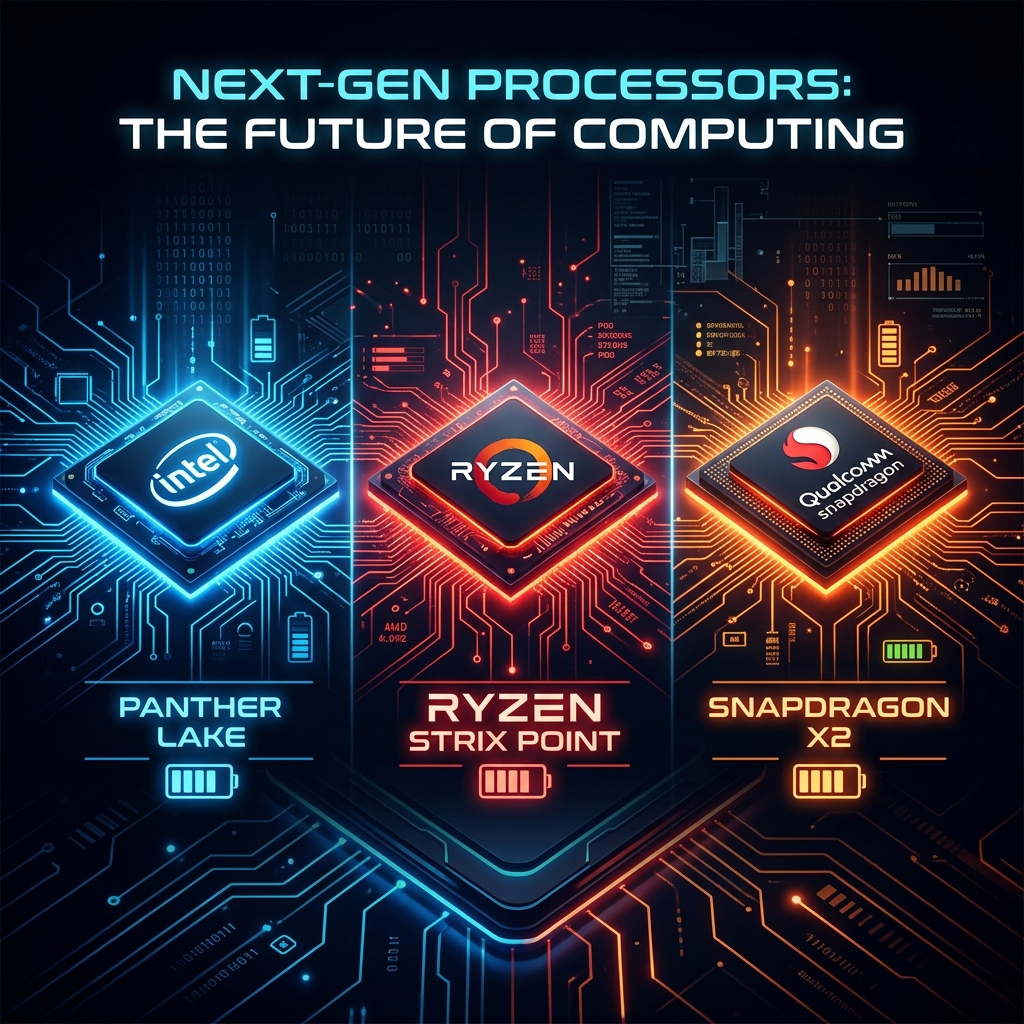
Intel Panther Lake vs. Ryzen Gorgon Point vs. Snapdragon X2: The 2026 Battery War
The old assumptions about ARM and x86 battery life are breaking down. Armed with real-world review data, we look at how Intel's Panther Lake has closed the gap, and why Qualcomm's sophomore Snapdragon X2 traded some of its efficiency crown for performance.