
Part VI: Deciding the power supply
When it comes to power supplies (PSU - power supply unit), it is one of the most overlooked PC components but is one of the important parts of a build. If you check on Amazon or any other site, you w...

When it comes to power supplies (PSU - power supply unit), it is one of the most overlooked PC components but is one of the important parts of a build. If you check on Amazon or any other site, you will be able to find power supplies ranging from Rs. 500 to Rs. 30,000 or more. I know it is tempting to go for the cheap ones and save money for other parts but don't fall for the cheap ones. They are usually of poor quality and may damage your expensive components due to fluctuations.
Look for the certifications. You will find something like 80+ certified label. These labels indicate the efficiency of power supply at different loads. There are different levels of these certifications like bronze, silver, gold, platinum and titanium. You can read more about it on Wikipedia. I would recommend going for at least a bronze certified power supply. Although it might not guarantee excellent quality but the certification does ensure that it has met some criteria to fulfil the certification. You can go for a titanium certified power supply but in most use cases a bronze certified one is more than sufficient or at most gold certified.
Then comes the power output. This completely depends on the components you are using. Your choice of processor, graphics card, motherboard, no. of storage drives and RAMs all contribute to the amount of power your system needs. You can use any online calculator to check the amount of power supply needed by your system such as this one from Cooler Master. It is always better to go for a PSU with a wattage of 50-100 Watts more than what is required as it would ensure better stability. Also it is fine to go with the power supply of much higher wattage than required if you are looking to make major upgrades in the future as it will consume power based on what's connected to it.
Apart from all this you need to ensure that your power supply has sufficient connectors and the types as required by your system. This includes the motherboard connector, CPU power connector, SATA and Molex connectors for storage drives and case fans and optical disk drives.
Also you can choose between modular and non-modular power supplies. Go for a modular power supply if you are too much into cable management. To be honest, if your case has a PSU shroud even a non-modular one would provide you a clean build. Modular ones are quite expensive so always reconsider your choice before going for it.
For the system that I am building, a 550 Watts power supply should be sufficient and the minimum rating required I had in mind was bronze certified. So I shortlisted the following PSUs:
- Antec HCG750
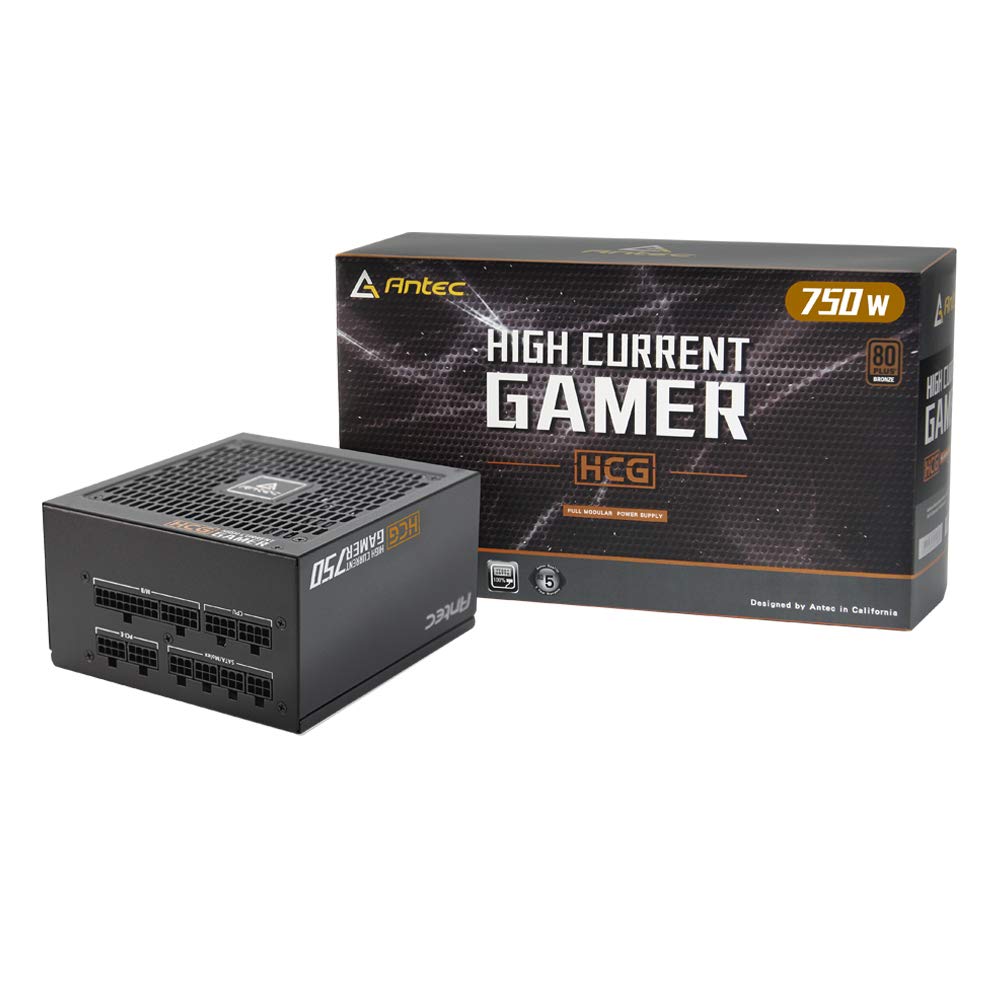
Antec HCG750 Bronze 80 Plus Bronze Certified 750 Watt Fully Modular Gaming Power Supply...
This is a 750 Watt bronze power supply from Antec. It is a fully modular power supply. It is quite expensive but is a good choice based on the features it provides.
- Gigabyte GP-B700H
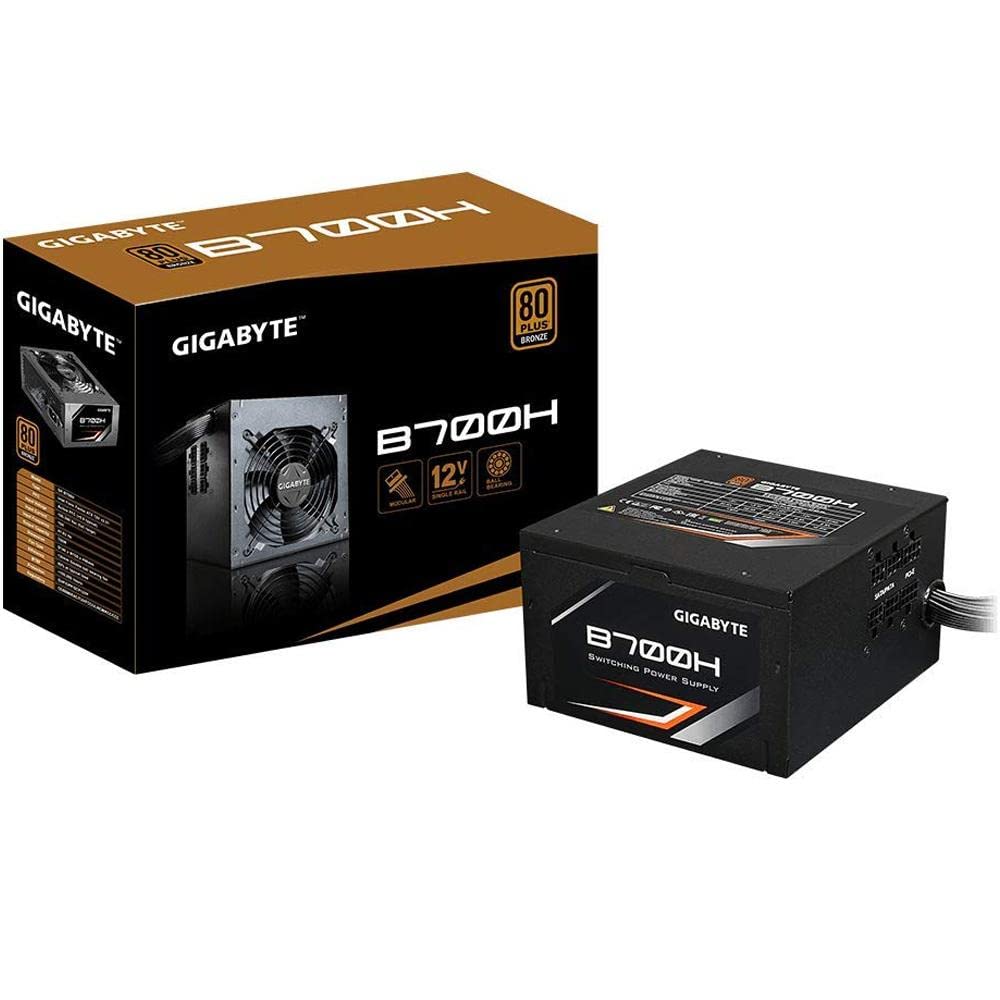
Gigabyte GP-B700H 700W ATX12V SLI CrossFire 80 PLUS BRONZE Certified Modular Active PFC Power Supply...
This is a 700 Watt bronze power supply from Gigabyte. It is a semi-modular power supply. It was one of the cheapest 700 Watt bronze certified power supply but recently it's prices has increased quite a lot. At the time of writing this article, it is priced at Rs. 5,679 but some months back it was available for just Rs. 4,400.
- Corsair CV650
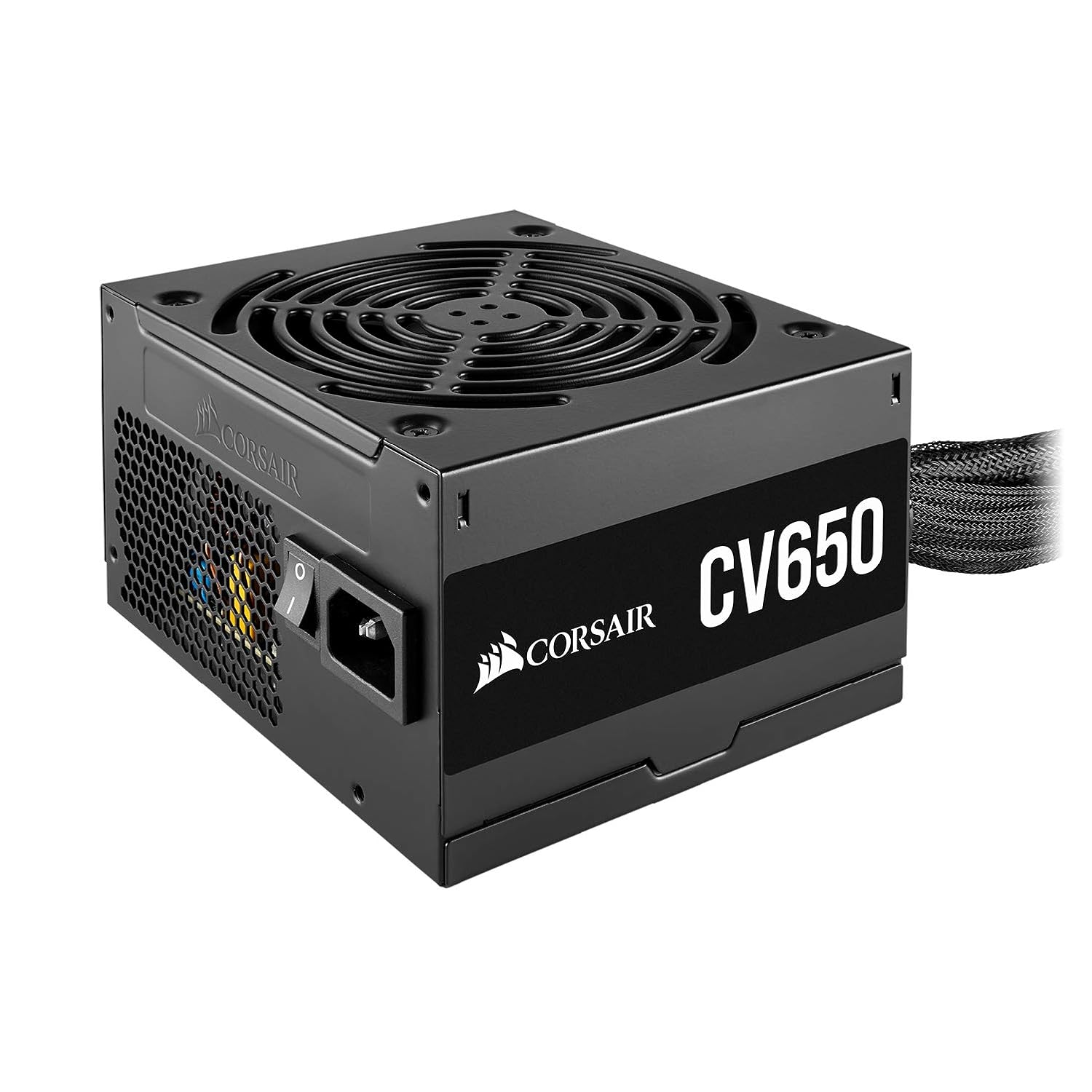
Corsair CV650, CV Series, 80 Plus Bronze Certified, 650 Watt Non-Modular Power Supply - Black...
Corsair is one of the top brands when it comes to PSUs. This is a 650 Watt bronze power supply. It is a non-modular power supply. The price is usually between Rs. 5,000 to Rs. 5,500 which is a decent price for a Corsair CV series PSU.
- GIGABYTE P750GM
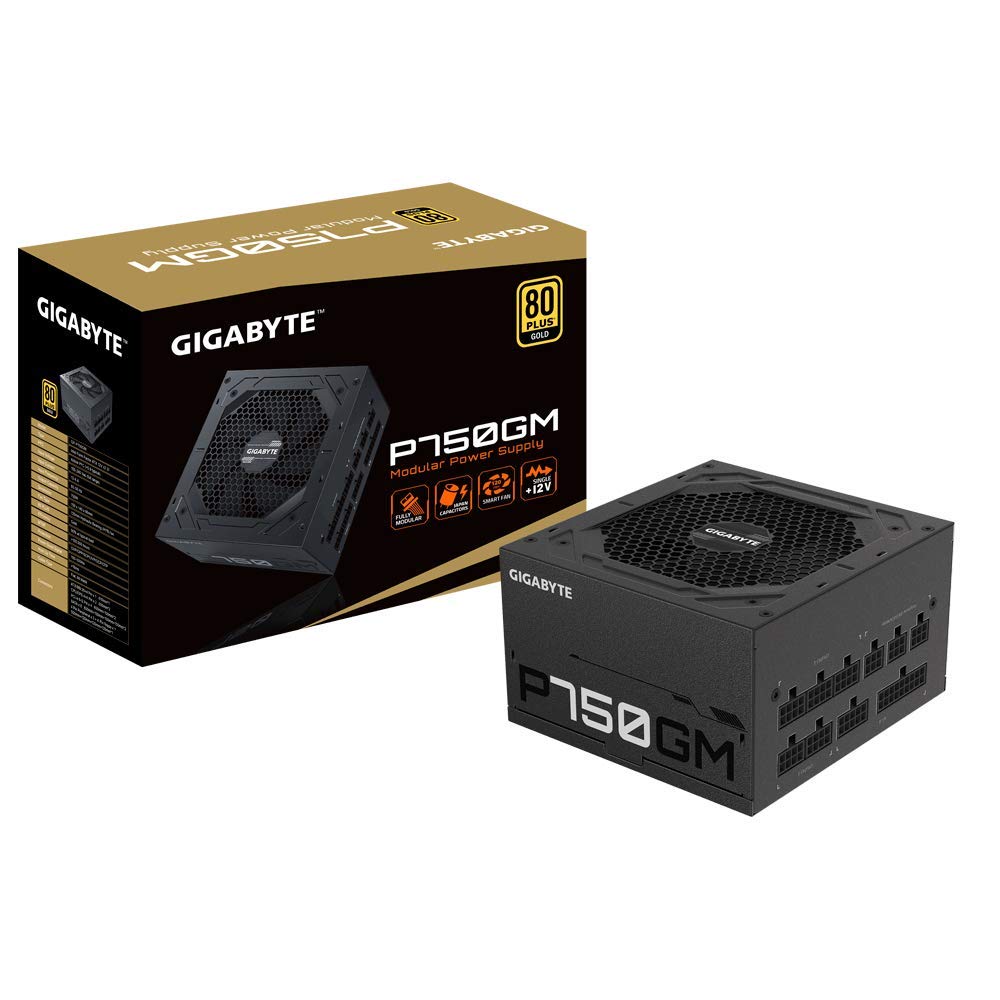
GIGABYTE GP-P750GM 750W ATX Power Supply | Fully Modular | 80 Plus Gold | Quiet Fan | Compact Design...
This is the best priced 750 Watt gold certified power supply from Gigabyte. It is a fully modular power supply. This is the only gold certified PSU in this list. When your getting this PSU for under 7k it is a great deal.
I went for the GIGABYTE P750GM PSU as it was available at a great price. The gold certification and fully modular connections was too tempting to resist 😜.
Hold on! There is some great news to share. I have managed to buy Nvidia RTX 3070 Founders Edition card. I know it is quite difficult to get one but I have finally managed to get one. I now have all the parts required to complete my build. I would soon be sharing the details of my completed build so stay tuned.
I know that there has been no article in the past few weeks as I was caught up with some other work and also I was doubtful of getting the RTX 3070 FE card due to challenges in its availability. But now things are getting back on track, so let's hope that I will be able to keep posting regularly.
Thanks for reading. Have a great day!
More from the desk
AMD Extends AM5 Socket Support Through 2029: What It Means for PC Builders
AMD's commitment to supporting the AM5 desktop socket through 2029 offers rare platform longevity in an era of surging PC component costs.
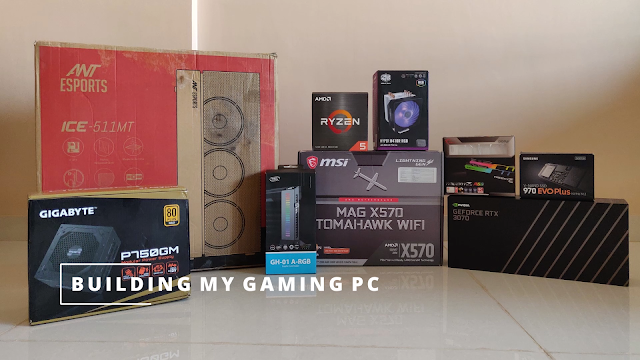
Part VIII: Building the PC
Finally the day has come to share my complete gaming build. It has been a long journey due to the delay in getting the latest parts. I started buying the parts from August and finally managed t...

Part VII: Deciding the storage (SSD/HDD)
Storage storage and more storage! No matter how much storage we have it is never going to be sufficient. This is especially true when we have a lot of games and videos stored in our PCs. The use of o...