
Part V: Deciding the cabinet
When looking for PC cabinets, there are a lot of options for different budget segments to choose from. But which one is for you depends on what kind of system you are building, the kind of looks you...
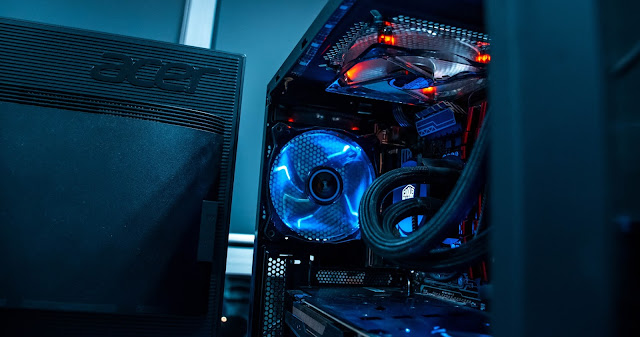
When looking for PC cabinets, there are a lot of options for different budget segments to choose from. But which one is for you depends on what kind of system you are building, the kind of looks you prefer and the price point you are targeting.
Since I am looking to build a gaming system, the most important thing for me would be the case airflow. It is always great to have a good airflow for any kind of system but is very important in heavy workloads such as gaming, content creation, etc.
Then comes the build quality which is also important but depends heavily on how much you are willing to spend on it. There a lot of cases which provide great looks and pricing but not all provide a great build quality. There are some cases which have a great build quality but looks old school. So you have to choose the one which has the perfect balance based on your taste.
Then comes the aesthetics which is not that important but for a gaming rig anyone would prefer a good looking component. I would prefer a tempered glass side panel along with a lot of RGB :p
I will be listing down the cabinets that I have considered before finally buying the one for my build:
[Disclosure: Below links are affiliate links which means I will earn a commission if you click through and make a purchase but without any extra cost to you. It would help me maintain this blog if you use the below links.]
- Deepcool MATREXX 55 ADD-RGB 3F
This Deepcool cabinet has great looks along with addressable RGB light strip in the front panel along with 3 pre-installed 120mm addressable RGB fans which is great. The addressable RGB fans allow you to control and sync the RGB using your motherboard software. It comes with a tempered glass side panel along with great support for cooling fans as well as radiator liquid cooling system. Additionally, it does have a PSU shroud. It is a bit on the expensive side though but is a great option as it provides great build quality and looks.
- DEEPCOOL MATREXX 55 MESH ADD-RGB 4F
This Deepcool cabinet is similar to the above cabinet but lacks the front panel RGB strip. It comes with 4 pre-installed addressable RGB fans (3 in front and 1 on the rear). Rest specs are similar to the 3F variant with a few differences. The placement of ports on this one is on the front panel whereas the 3F has it on the top. Also it has a full mesh front panel which provides better airflow. This one is usually cheaper than the 3F variant.
- Cooler Master Box MB511 RGB
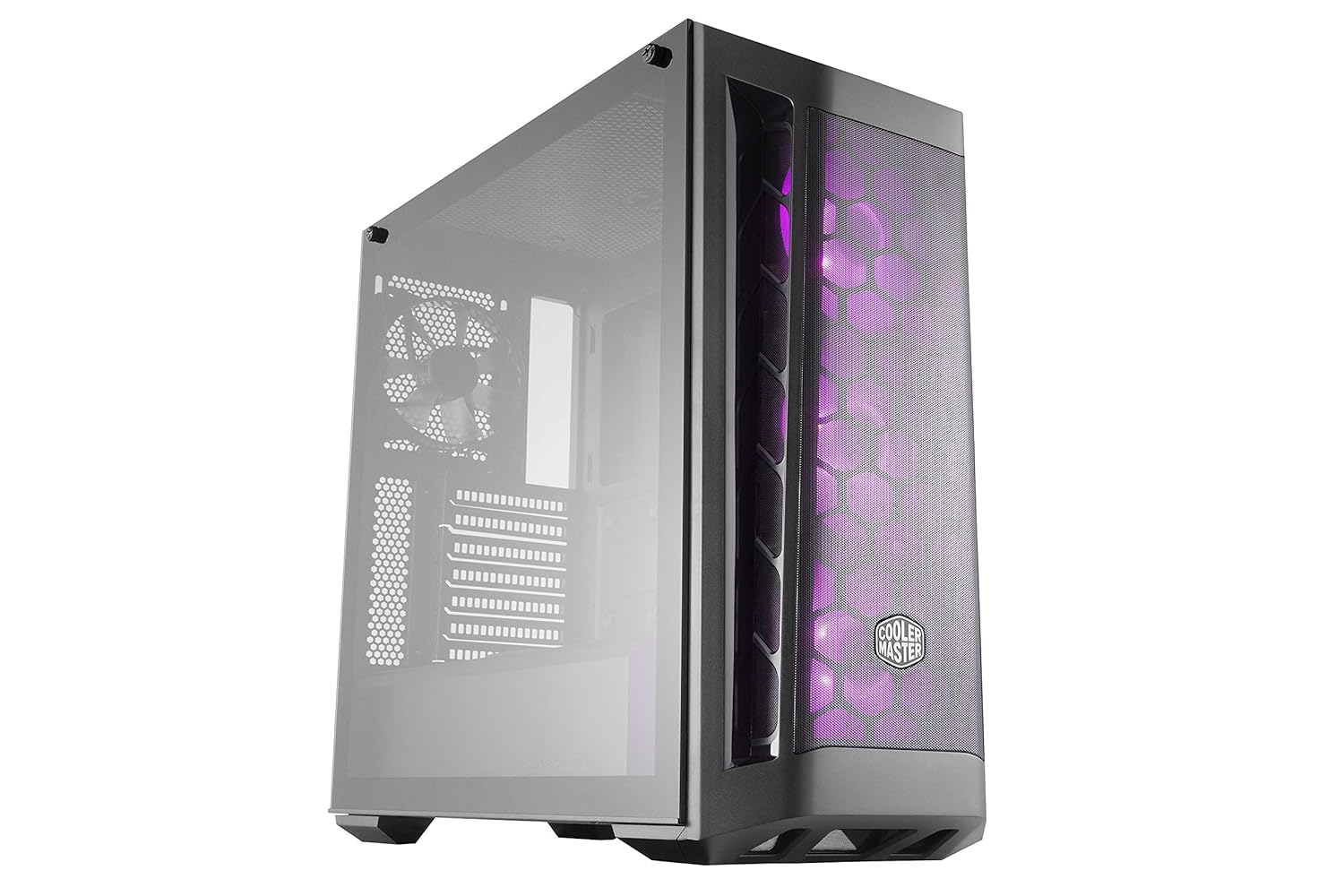
Coler Master MasterBox MB511 RGB Tempered Glass ATX Mid Tower Computer Case (Black)...
The Cooler Master Box is the most expensive in the list. It comes with 3 pre-installed addressable RGB fans and comes with a tempered glass side panel. The mesh front panel is well designed and offers great airflow. Additionally, it has great support for cooling fans as well as radiators for liquid cooling. This one probably has the best airflow.
- Ant Esports ICE-511MT
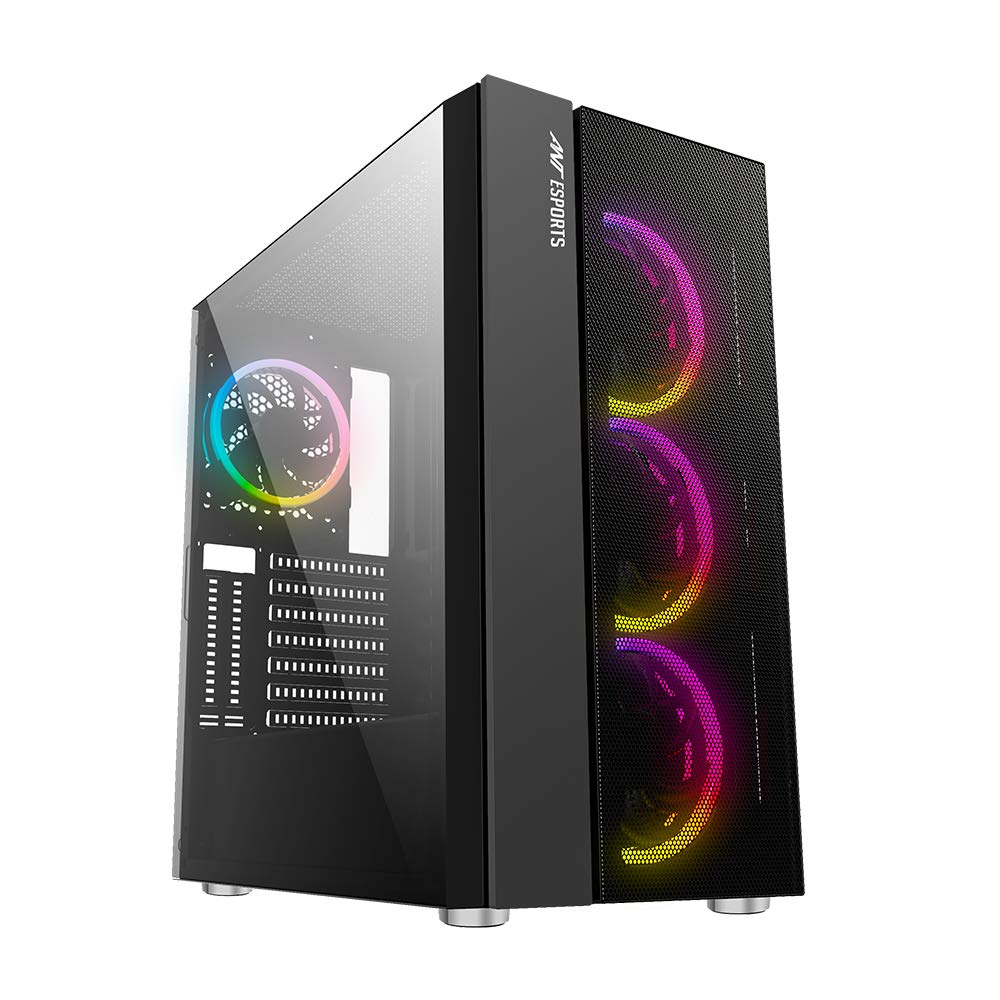
Ant Esports ICE-511MT Mid Tower Mesh Gaming Cabinet Computer Case Supports E-ATX, ATX, Micro-ATX, Mi...
Ant Esports is the cheapest one in the list. It comes with 4 pre-installed RGB fans that are not addressable and can only be controlled by the LED button on the cabinet. It has mesh design in the front which improves the airflow in the case. This one too has a tempered glass side panel. It has great support for cooling fans as well as radiator though the radiator support on the top is not that great due to insufficient spacing between the motherboard and the top panel. The build quality is decent for the price. This one has almost all the features that the pricier ones and is the best cabinet if you are on a budget.
- Thermaltake H200 Tempered Glass Snow Edition
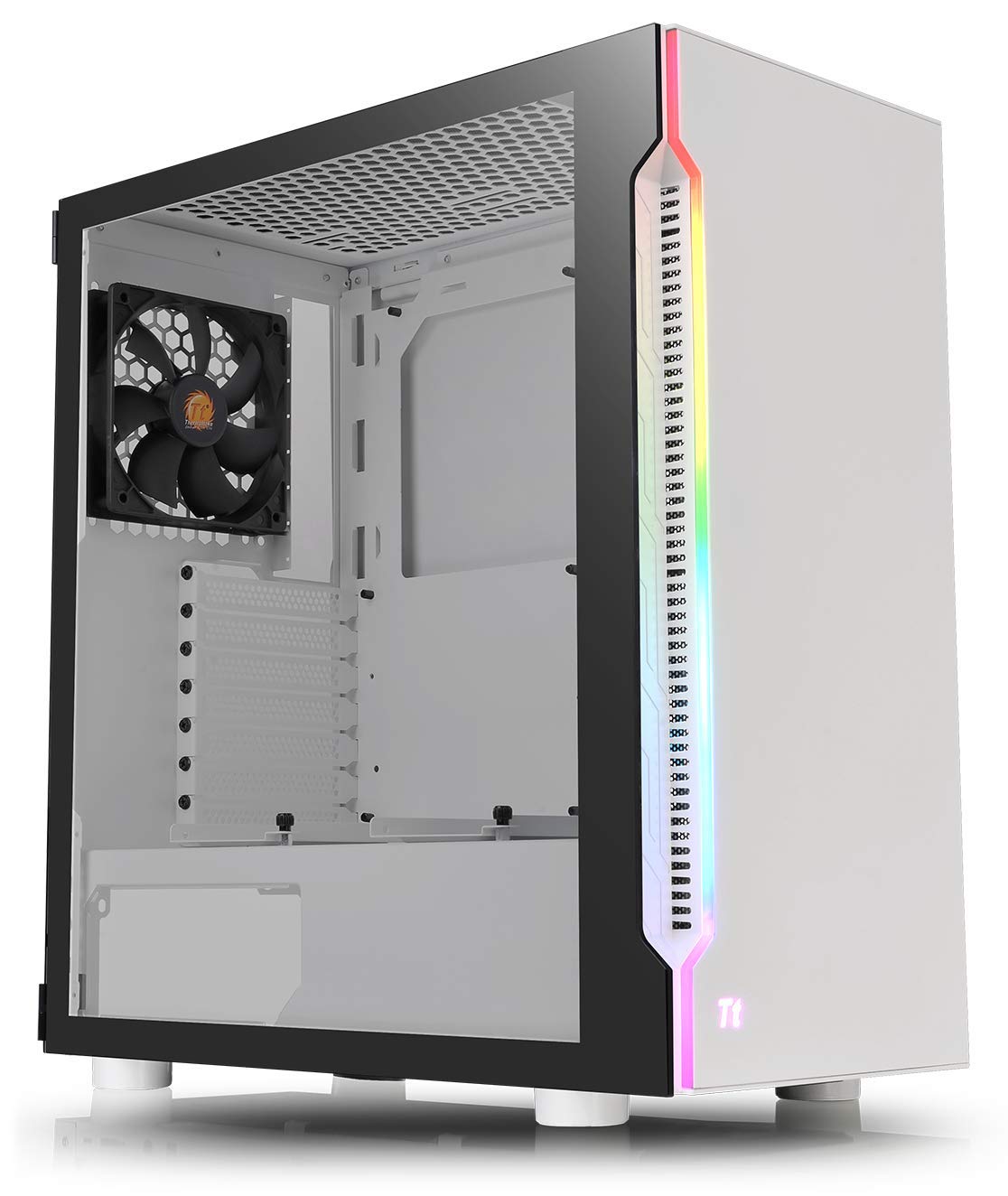
Thermaltake H200 Tempered Glass Snow Edition RGB Light Strip ATX Mid Tower Case with One 120mm Rear ...
The Thermaltake cabinet has a great design with an LED strip on the front panel (non-addressable). It comes with just one non-RGB fan pre-installed on the rear. It comes with a hinge door tempered glass side panel which provides a convenient access to inside of the case. It provides good support for cooling fans as well as radiators. I feel it is a bit overpriced as compared to the features it provides.
- NZXT H510
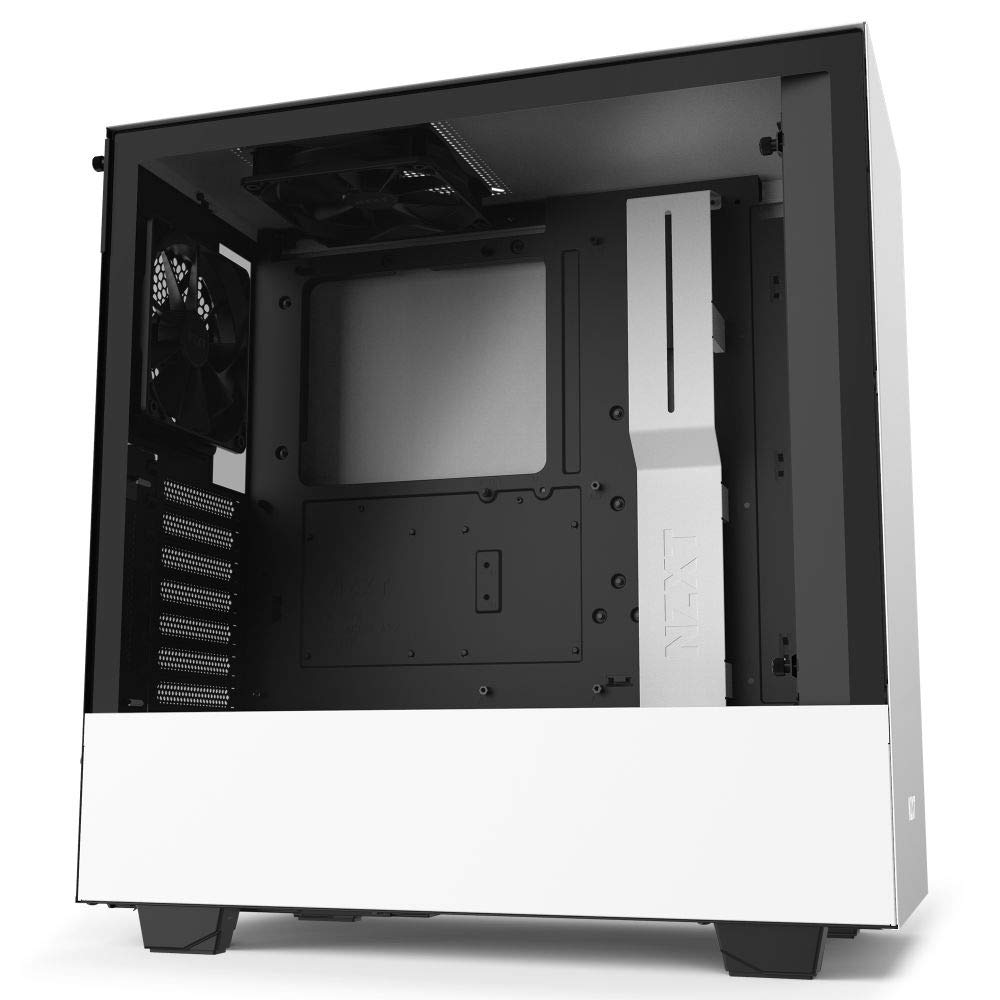
NZXT H510 Compact Mid-Tower ATX Computer Cabinet/Gaming Case | White/Black | Front USB Type-C Port w...
NZXT cabinet is known for its minimalistic design and excellent cable management system. It does come with a tempered glass side panel. This is the only case in the list to come with USB Type-C port. The build quality is excellent. This case is designed for radiator system mainly although you can install your regular cooling fans, but is built for liquid coolers. The price for this cabinet is quite high but the features and design to justify its price.
Since I was going for air cooling and had reduced budget as I was going for the Ryzen 5000 series CPU and the latest graphics card (haven't been able to get GeForce RTX 3000 series or Radeon RX 6000 series card yet) I went for the Ant Esports ICE-511MT as it offers great features for a good price.
I have got all the parts except the graphics card to complete the build. I am eagerly waiting to get the RTX 3070 FE or the Radeon RX6800 but none seem to be in stock. The Radeon ones are already being over-priced by the retailers so I might have to wait for the RTX one as soon as the Founders Edition comes in stock.
Thanks for reading. Have a great day!
More from the desk
AMD Extends AM5 Socket Support Through 2029: What It Means for PC Builders
AMD's commitment to supporting the AM5 desktop socket through 2029 offers rare platform longevity in an era of surging PC component costs.
Part VIII: Building the PC
Finally the day has come to share my complete gaming build. It has been a long journey due to the delay in getting the latest parts. I started buying the parts from August and finally managed t...

Part VII: Deciding the storage (SSD/HDD)
Storage storage and more storage! No matter how much storage we have it is never going to be sufficient. This is especially true when we have a lot of games and videos stored in our PCs. The use of o...