
Part II: Deciding the motherboard
In the previous article, I talked about why I chose AMD over Intel where I mentioned that I will be going with Zen 3 processor. AMD has already clarified that they will be using AM4 socket for the Ze...

In the previous article, I talked about why I chose AMD over Intel where I mentioned that I will be going with Zen 3 processor. AMD has already clarified that they will be using AM4 socket for the Zen 3 which is great as it is already available in market and I will not have to wait till the time they launch their new lineup.
When it comes to AM4 socket based motherboards, there are a lot of options but not all motherboard chipset support the new Zen 3 processors. AMD has confirmed that Zen 3 will be supported on B550 and X570 motherboards. Although there are some B450 and X470 motherboards that will support the new AMD processors, but that will be through a beta BIOS update.
I want a motherboard with support for AMD Zen 3 processor, good overclocking capabilities (good VRMs), in-built Bluetooth and Wi-Fi support, NVMe SSD support and PCIe Gen 4 support.
I know that Bluetooth and Wi-Fi can be added using dongles, but I want them to be in-built keeping the USB slots free and also the in-built ones provide better stability and performance.
Also PCIe Gen 4 is not really needed currently but I thought of going with it as the Nvidia RTX 3000 series graphics card supports it.
When it comes to good VRMs, MSI Tomahawk and Gigabyte Auros are wellknown. Tomahawk motherboards are usually priced well.
I looked through the various options available despite some not having all the features I was looking for. So let's go through them one by one:
**[Disclosure: Below links are affiliate links which means I will earn a commission if you click through and make a purchase but without any extra cost to you. It would help me maintain this blog if you use the below links.] **
- MSI B450 Tomahawk MAX Gaming Motherboard
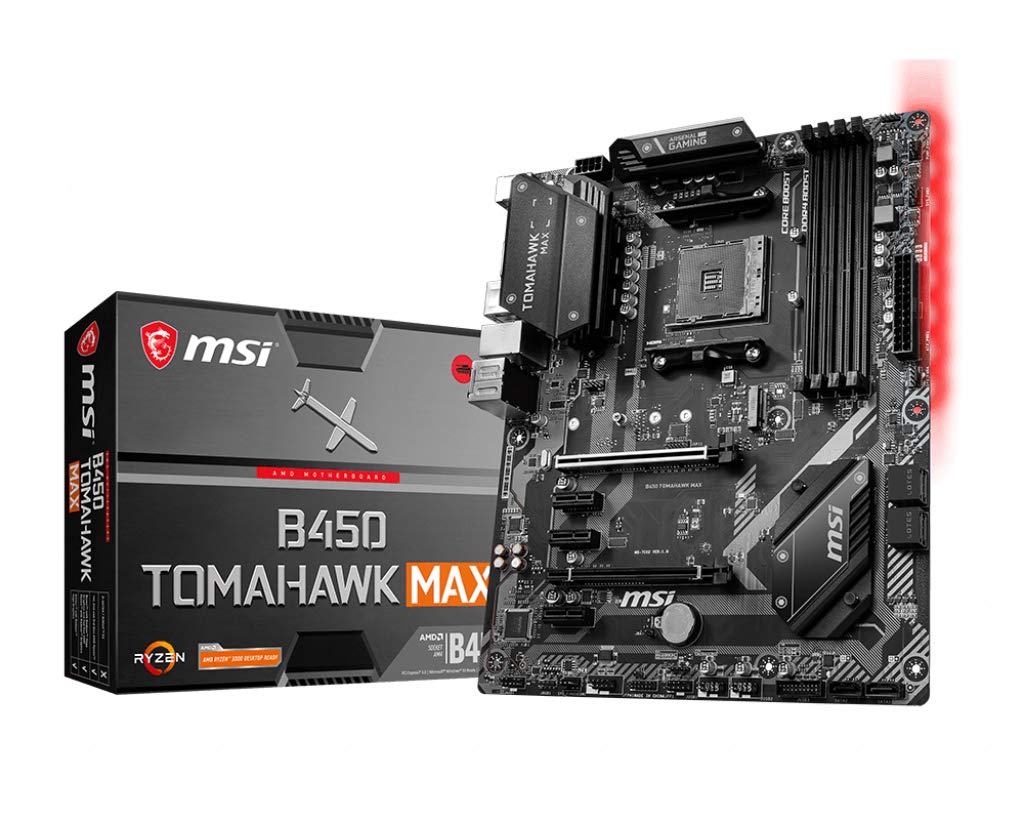
This was my obvious choice when I had not decided to wait for the Zen 3 processors. Based on the reviews I have read about this processor, this is the best motherboard at this price point for great support for overclocking due to its excellent VRMs. This is still a great motherboard and will most probably get support for Zen 3 processors with the beta BIOS update.
It lacks support for PCI Gen 4 and also does not have in-built Wi-Fi and Bluetooth. It does support NVMe SSD. Overall it is a great motherboard given the price.
- MSI MAG B550 Tomahawk ATX Gaming Motherboard
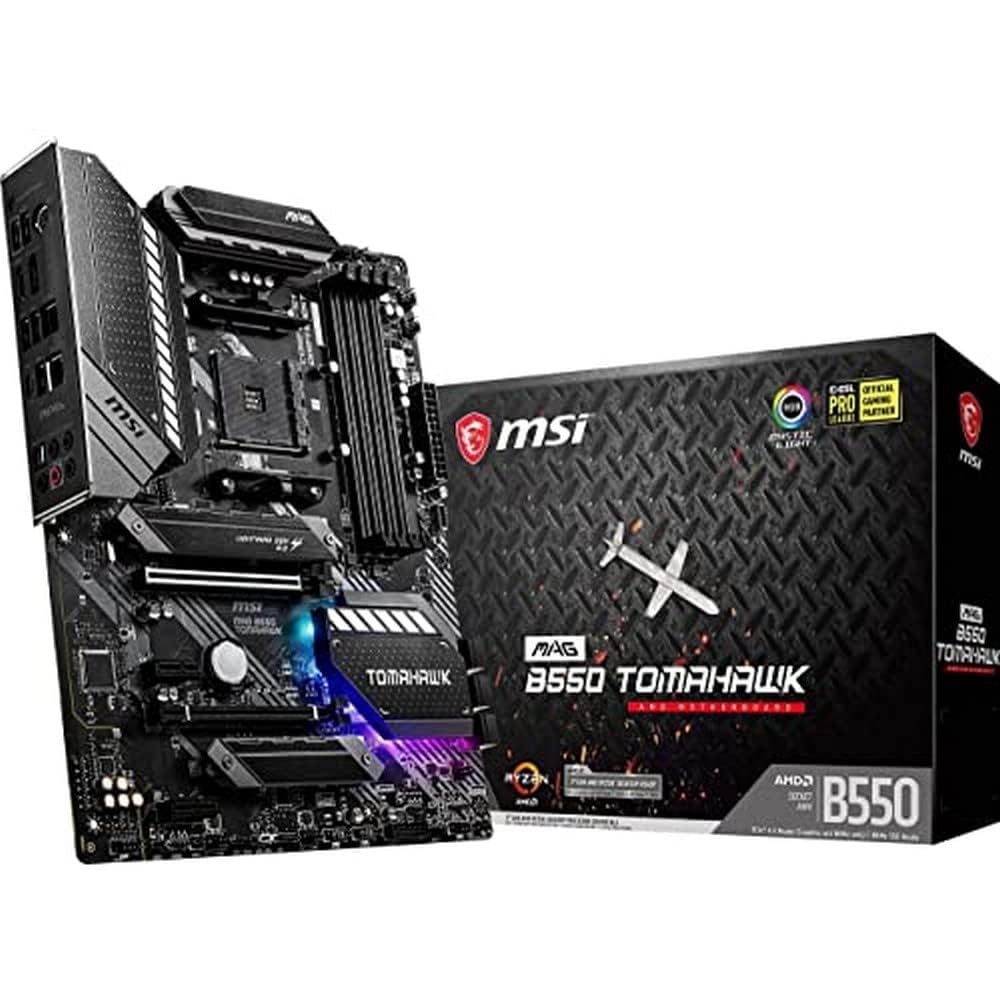
MSI MAG B550 Tomahawk AMD AM4 DDR4 m.2 USB 3.2 Gen 2 HDMI ATX Motherboard AMD Ryzen 5000 Series Desk...
This motherboard is the upgraded version of the above motherboard with a B550 chipset. This brings in PCIe Gen 4 support and also proper support for Zen 3 processors.
There is considerable price increase when compared to the B450 variant but there are some worthy upgrades which kind of justifies the price increase, but this price gets us to near the starting price range of X570 motherboards with complete support for PCI Gen 4.
- MSI MAG X570 Tomahawk Wi-Fi AMD ATX Gaming Motherboard
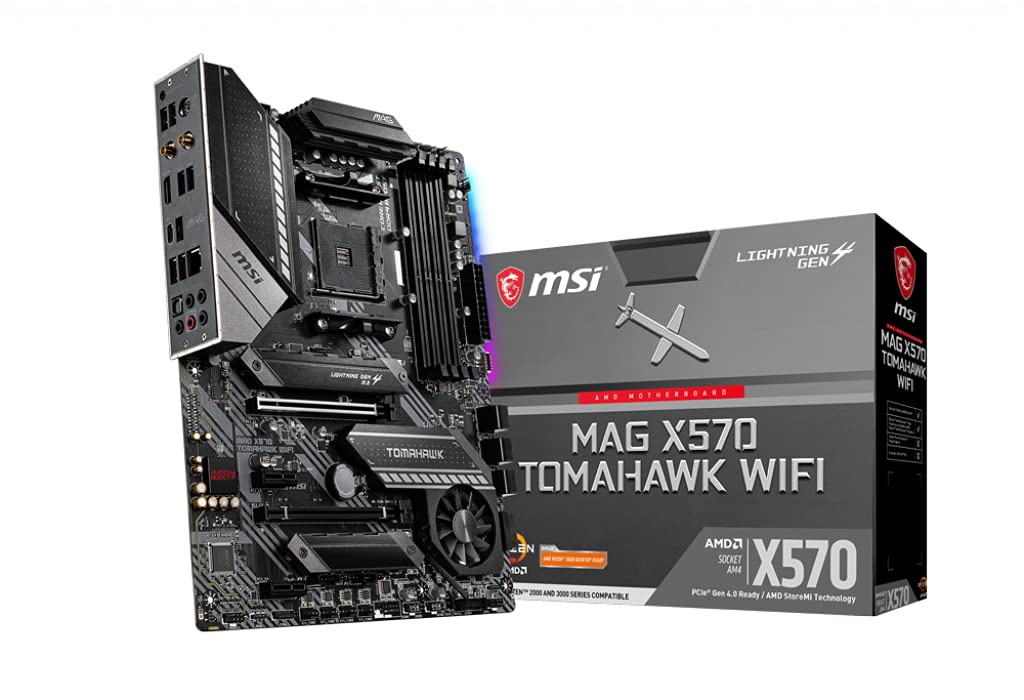
MSI MAG X570 Tomahawk WiFi AMD ATX Gaming Mothearboard with 4 RAM Slots...
I know this is the third MSI Tomahawk in the list, but most of the motherboards that caught my attention were Tomahawk ones. This one finally comes with in-built Wi-Fi and Bluetooth support which is great. Also, since it is an X570 motherboard, it has full support for PCIe Gen 4.
It supports every thing I have in my wishlist for a motherboard for my gaming build. The price is a bit high as compared to the above two motherboards. But the price recently has been fluctuating between Rs. 21.5k to 24k. So if you are lucky enough you might get it at 21k.
- GIGABYTE X570 AORUS Elite Motherboard
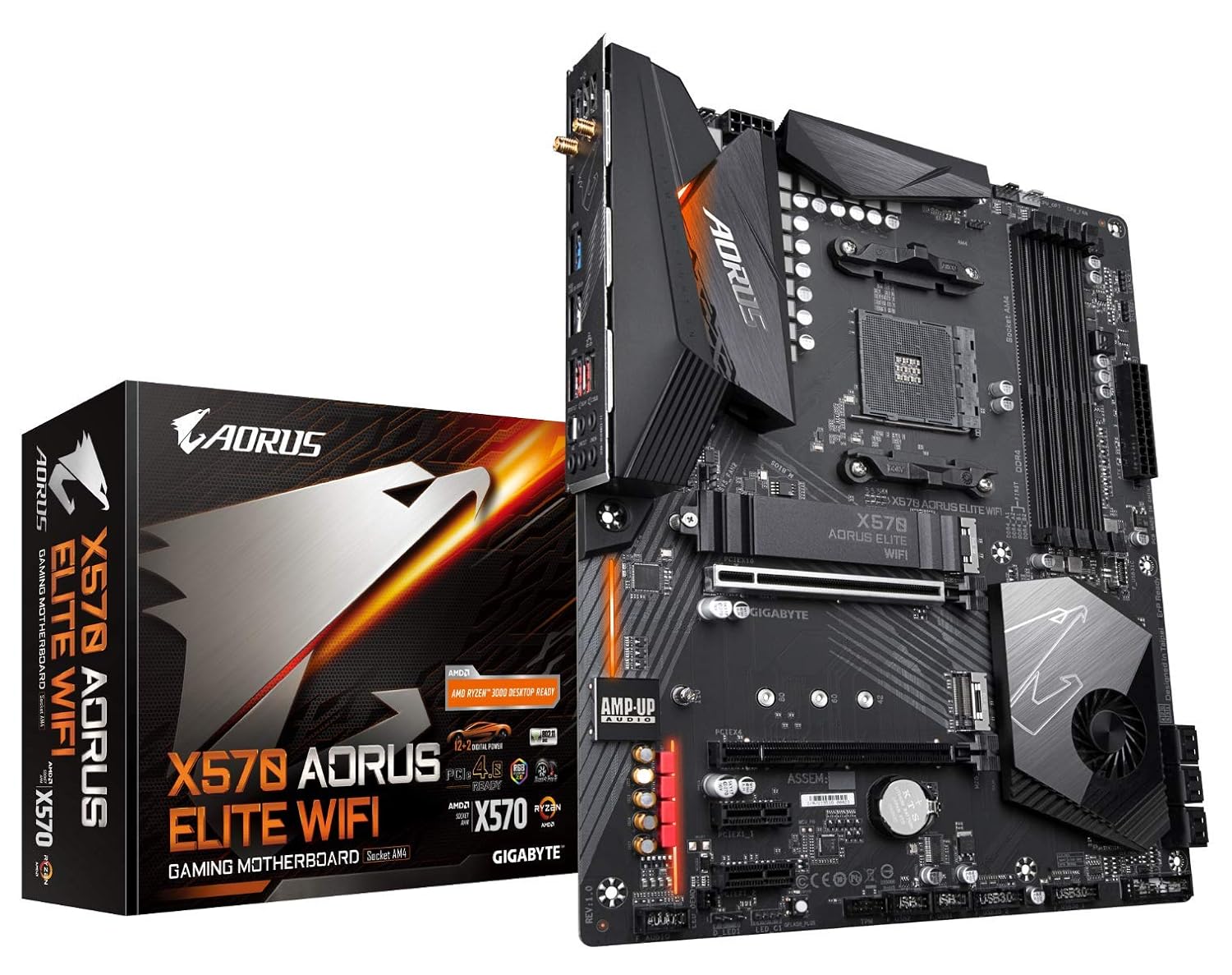
GIGABYTE X570 AORUS Elite WiFi Ultra Durable Motherboard with 12+2 Phase Digital VRM with DrMOS,Dual...
This is the first non-MSI motherboard in the list. This board is comparable to the Tomahawk X570. It also has in-built Wi-Fi and Bluetooth and full PCI Gen 4 support. It is similarly priced to the Tomahawk X570 too but the Tomahawk one does see often price drops.
- GIGABYTE B550 AORUS PRO Motherboard
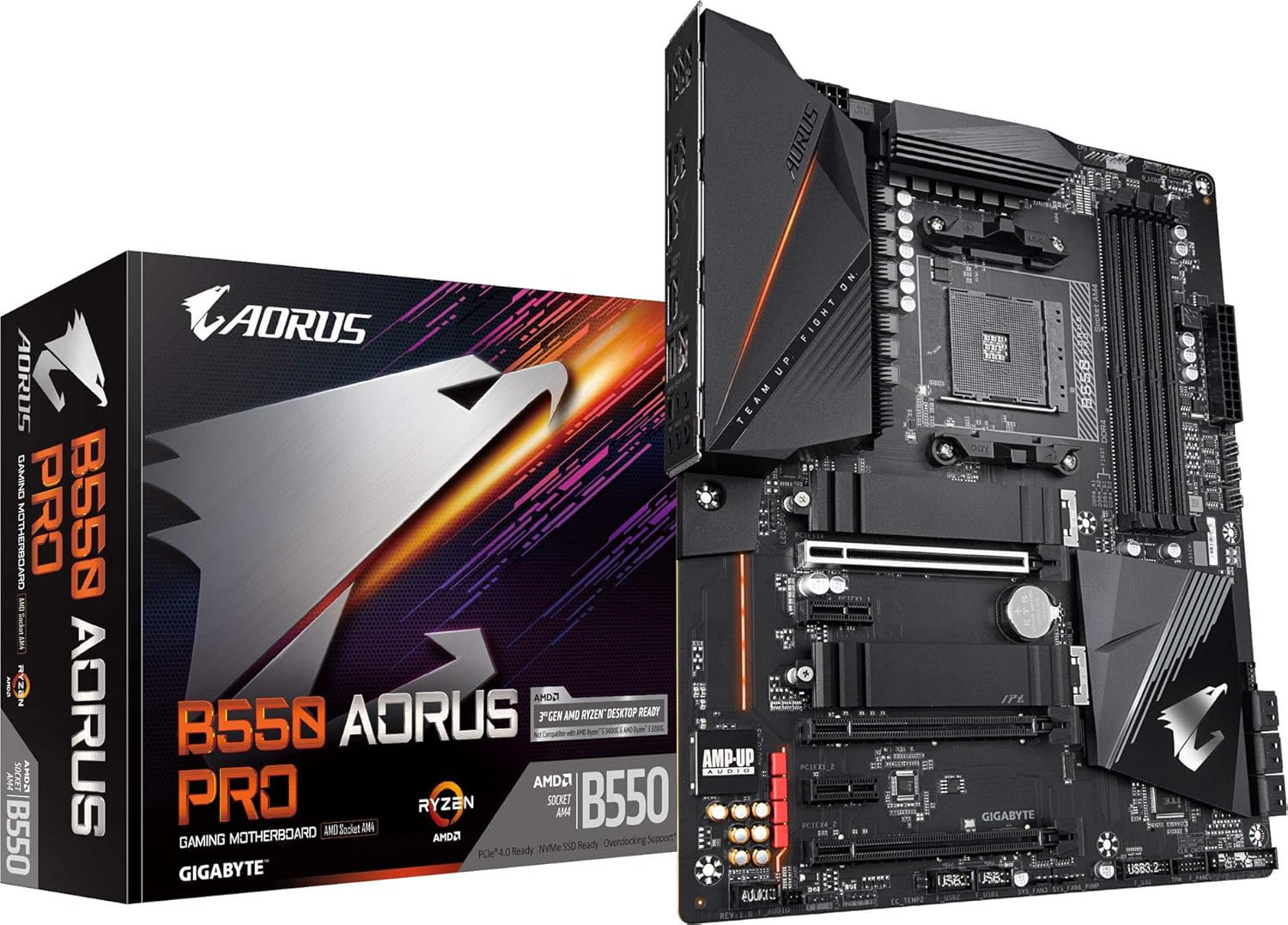
GIGABYTE B550 AORUS PRO Motherboard with True 12+2 Phases Digital VRM, Dual PCIe 4.0/3.0 x4 M.2 with...
This is a B550 motherboard with similar specs as that of the MSI MAG B550 Tomahawk but has a higher price tag. Gigabyte does have an edge over MSI in terms of VRM performance.
I had a hard time deciding between B550 and X570 motherboards, so I went through quite a lot of reviews and comparisons between the two and this JayzTwoCents' video finally convinced me to go for the X570 motherboard.
I went for the MSI MAG X570 Tomahawk WiFi motherboard as it has all the features that I was looking for and also because of the price. I am looking to complete this build by the end of October or early November but all that depends on how soon the Zen 3 AMD processors will be available in stores.
[Update: You can checkout the unboxing of the motherboard here]
I hope that you are liking my blog. Please share your feedback and help me improve it. Have a great day!
More from the desk
AMD Extends AM5 Socket Support Through 2029: What It Means for PC Builders
AMD's commitment to supporting the AM5 desktop socket through 2029 offers rare platform longevity in an era of surging PC component costs.
Part VIII: Building the PC
Finally the day has come to share my complete gaming build. It has been a long journey due to the delay in getting the latest parts. I started buying the parts from August and finally managed t...

Part VII: Deciding the storage (SSD/HDD)
Storage storage and more storage! No matter how much storage we have it is never going to be sufficient. This is especially true when we have a lot of games and videos stored in our PCs. The use of o...