
Part I: Deciding the platform/processor (Intel vs AMD)
When it comes to PC building, there are two main platforms: Intel and AMD. Intel as most of us know is quite popular. My first computer came with Intel inside and probably yours too. Till date I...
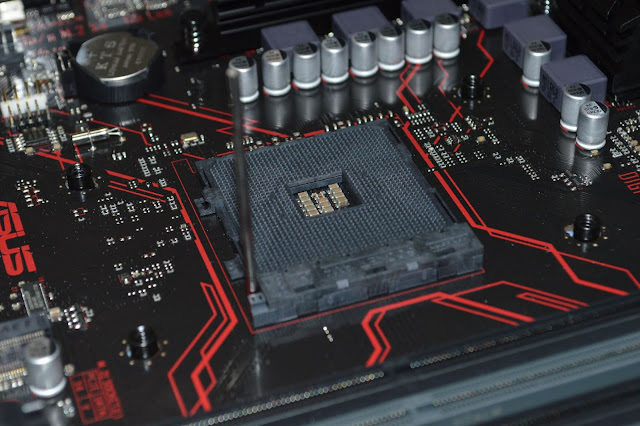
When it comes to PC building, there are two main platforms: Intel and AMD. Intel as most of us know is quite popular. My first computer came with Intel inside and probably yours too.
Till date I have been using PC with Intel processor. I never thought much about the processor, because, for me Intel was an obvious choice.
But when I thought of building my gaming PC. I started looking for which Intel processor should I choose, but then I thought of doing a bit of research to see what AMD has to offer. I also checked through some Youtube reviews for which processor is good for gaming. That's when I realized things have changed quite a lot and Intel would not be a wise choice.
After understanding all the pros and cons of both Intel and AMD, I decided to go with AMD.
The reasons as to why I chose AMD are quite obvious:
- PCIe Gen 4.0 support: PCIe Gen 4 has double the speed when compared to PCIe Gen 3 which is 32 GB/s as compared to 16 GB/s. Your SSD, graphics card and wifi card makes use of PCIe. Even though the latest graphics processors are not able to saturate the PCIe 3.0, there a lot of other advantages when it comes to PCI Gen 4. Having PCIe 4 would help getting faster read/write speeds from your SSD, attach more devices to your PC without slowing it down due to larger bandwidth provided by Gen 4. Intel even with its 10th generation CPUs does not support PCIe 4 but AMD has it even with its Zen 2 processors. ** **
- Better price to performance ratio: AMD processors are priced very well as compared to Intel counterparts. You get more cores for lesser price. The value that AMD provides is much more than what Intel currently has to offer.
- Support for higher clocked RAMs: AMD processors take great advantage if you attach it to a higher clocked RAM. If you take AMD Ryzen 5 3600 CPU, it has support for 3200 MHz i.e. without even overclocking. Intel on the other hand even with its i5-10500 has support for only 2666 MHz. If you take overclocking into consideration, then AMD makes Intel bite the dust. For overclocking in Intel, you need to have an overclockable CPU (K-series) along with a high end motherboard(Z-series) which just increases the cost and makes its value even lesser. AMD on the other hand allows overclocking even with a regular processor and an mid-range motherboard. ** **
- Socket compatibility: AMD has been using the AM4 socket for quite a long time now (almost 4 years), although this might change with the 5th gen or 6th gen processors. Intel frequently changes its socket making it more expensive to upgrade from a previous gen processor.
There a lot more reasons to choose AMD when compared to Intel including the 7nm process node. Intel does have an edge when it comes to gaming but the price difference makes it negligible.
I have decided to go with AMD Zen 3 processor which will be announced on 8th October, 2020. With the announcement of Nvidia 3000 series processor things have become interesting and will make this gaming build even more exciting.
Since I have decided to wait for the AMD Zen 3 processors, I will not be able to share my new shortlisted processors at this point, so till the time AMD announces it's new line-up I will share my previous list of Zen 2 processors which I was about to use in my build:
**[Disclosure: Below links are affiliate links which means I will earn a commission if you click through and make a purchase but without any extra cost to you. It would help me maintain this blog if you use the below links.] **
-
AMD Ryzen 5 3600X Desktop Processor [Mostly would have gone for this one]
I will update this list here once AMD releases its Zen 3 lineup.
Have a great day!
More from the desk
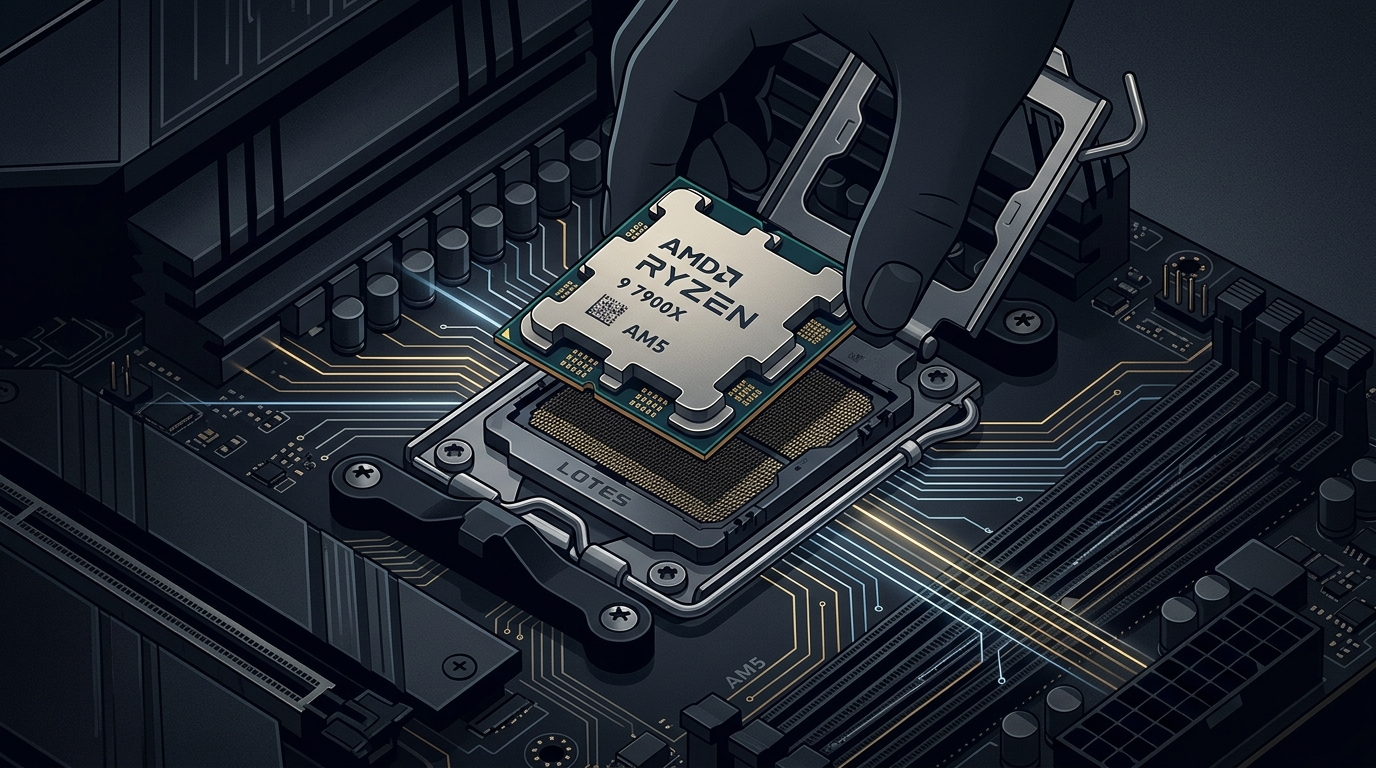
AMD Extends AM5 Socket Support Through 2029: What It Means for PC Builders
AMD's commitment to supporting the AM5 desktop socket through 2029 offers rare platform longevity in an era of surging PC component costs.
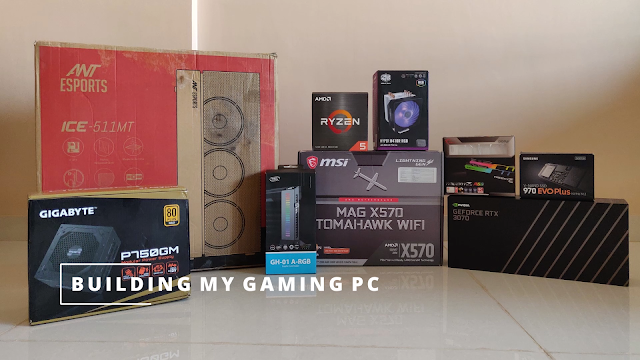
Part VIII: Building the PC
Finally the day has come to share my complete gaming build. It has been a long journey due to the delay in getting the latest parts. I started buying the parts from August and finally managed t...

Part VII: Deciding the storage (SSD/HDD)
Storage storage and more storage! No matter how much storage we have it is never going to be sufficient. This is especially true when we have a lot of games and videos stored in our PCs. The use of o...